How to Write a Video Script AI Can Match to Your Clips
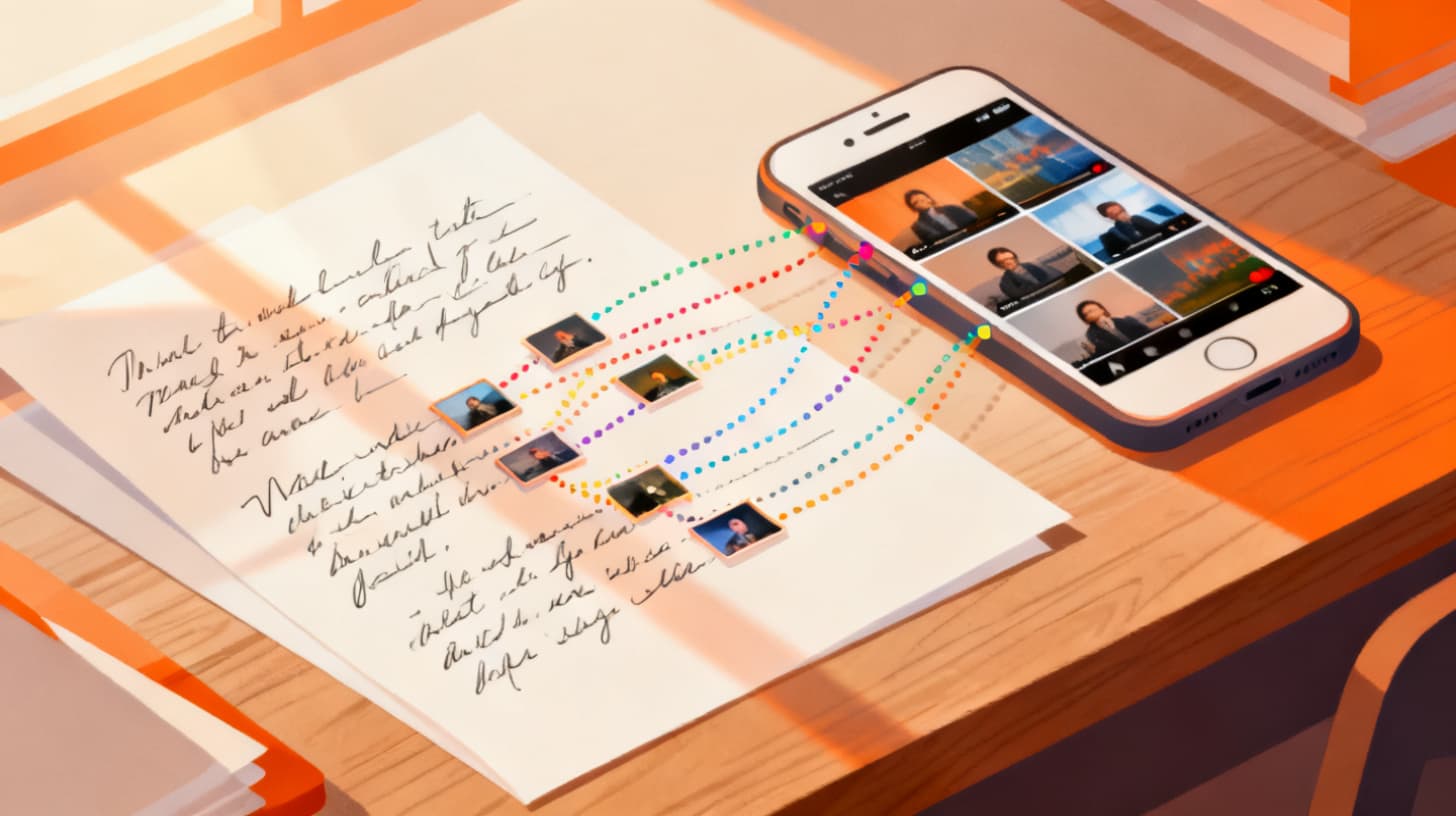
You shot a weekend trip, a product launch, or a behind-the-scenes session and now you have dozens (maybe hundreds) of clips sitting on your phone. Turning that raw footage into a polished short-form video usually means hours of scrubbing a timeline, dragging clips around, and second-guessing every cut. But there's a faster way: write a script, upload your clips, and let AI match each line to the right piece of footage automatically.
The catch? The quality of the match depends almost entirely on the quality of your script. Feed AI a vague, poetic paragraph and it will struggle to connect your words to specific visuals. Feed it a clear, structured, visually descriptive script and every line snaps to the perfect clip like a puzzle piece clicking into place.
This guide walks you through exactly how to write scripts that AI can read, interpret, and match to your own footage with high confidence. Whether you're building travel recaps, recipe videos, fitness content, or product showcases, these principles apply. And if you want to try the workflow yourself, ClipMatch's script-to-video feature lets you paste your script and watch AI match each line to your uploaded clips in seconds.
Let's break down the structure, the writing style, and the common mistakes that make or break AI clip matching.
Why Script Structure Matters More Than Beautiful Writing
Most people approach video scripts the way they'd approach an essay or a social media caption. They write flowing paragraphs, use metaphors, build suspense over several sentences, and generally try to sound good. That instinct is understandable, but it works against you when AI needs to match your words to specific visual clips.
Here's why: AI clip matching works by analyzing the visual content of your uploaded footage (objects, actions, settings, colors, people) and comparing it against the descriptive intent of each script line. The AI is essentially asking, "Which clip best represents what this line is talking about?" If your line says "the golden hour light hit the water just right," the AI can look for clips with warm lighting near water. If your line says "and that's when everything changed," the AI has almost nothing visual to work with.
The fundamental rule is this: every line of your script should describe or imply a specific visual scene. Think of each line as a shot instruction, not a sentence in a novel.
One Visual Idea Per Line
The single most impactful change you can make is limiting each line to one visual concept. When you combine multiple scenes into a single line, the AI has to choose which visual element to prioritize, and it often picks the wrong one.
Weak script line:
We hiked to the summit and then found this amazing restaurant in the village below where we tried the local pasta.
This line contains three distinct visuals: hiking, a restaurant, and pasta. The AI will try to match all of that to one clip, which is impossible.
Strong script lines:
We hiked the trail all the way to the summit.
Down in the village, we found a tiny local restaurant.
The handmade pasta was the best we'd ever tried.
Now each line gets its own clip. The AI can match hiking footage to the first line, a restaurant exterior or interior to the second, and a close-up food shot to the third. Three lines, three clear matches, three confident scores.
Use Concrete Nouns and Action Verbs
Abstract language is the enemy of good matching. Words like "vibe," "energy," "moment," and "feeling" don't correspond to anything the AI can see in a video frame. Instead, anchor every line in something physical and observable.
Abstract (Hard to Match)
Concrete (Easy to Match)
The energy was incredible
The crowd jumped and cheered
It was such a vibe
String lights glowed over the patio
That feeling of freedom
I sprinted barefoot across the sand
Everything came together
We set the finished dish on the table
Notice how the concrete versions paint a picture the AI can actually search for in your footage. A crowd jumping, string lights, someone running on a beach, a plated dish on a table. These are recognizable visual elements that exist in real video clips.
Script Length and Pacing
For short-form videos (under 90 seconds), aim for 10 to 20 script lines. Each line typically corresponds to 3 to 6 seconds of footage depending on your voiceover pacing. If you're building a 60-second video, 12 to 15 lines is a sweet spot.
Keep individual lines short enough to read aloud in one breath. If you find yourself pausing mid-line while reading it aloud, split it into two lines. This isn't just good for AI matching. It's good for viewer retention, because shorter cuts keep attention locked in.
The structure of your script is the foundation. Get this right, and everything downstream (matching, timing, export) becomes dramatically easier. For a deeper look at how the matching process works once your script is ready, check out how to match your video clips to a script using AI.
Writing for Visual Matching Instead of Storytelling Alone
Good video scripts serve two masters: they tell a compelling story for the viewer AND they give the AI enough visual information to find the right clip. The trick is doing both at the same time without your script sounding like a stage direction manual.
Think of it as writing with dual intent. Your viewer hears a narrative. Your AI reads a visual search query. The best script lines satisfy both needs simultaneously.
Describe What the Camera Sees
Before writing each line, close your eyes and picture the clip you want to appear on screen. What's happening? What objects are visible? Is it a wide shot of a landscape, a close-up of someone's hands, an overhead view of a workspace? Now write a line that naturally includes those visual details.
Let's say you're making a travel video and you want to show a shot of your hotel room balcony overlooking the ocean. You might write:
"Our balcony had this unbelievable ocean view."
That's decent. The AI can pick up on "balcony" and "ocean" and search for clips that contain both. But you can give it even more signal without making the line feel unnatural:
"I stepped out onto the balcony and the whole ocean stretched out below."
Now the AI has "stepped out" (movement, person), "balcony" (architectural element), and "ocean stretched out below" (elevated vantage point, water). More visual anchors means higher matching confidence.
Use Spatial and Sensory Language
Spatial cues help the AI distinguish between similar clips. If you shot multiple beach scenes, a line that says "waves crashed against the rocks" will match differently than "we walked along the shoreline at sunset." One implies close-up, dynamic water footage. The other implies a wide shot with people walking and warm light.
Sensory details beyond visual ones can also help. References to sound ("the market was loud and chaotic"), texture ("the rough stone walls of the old church"), or temperature ("steam rising off the morning coffee") often correspond to visual elements the AI can identify: crowded scenes, textured surfaces, steam or vapor.
Structure Your Script as a Visual Sequence
Professional video editors think in sequences. A sequence is a series of related shots that build a mini-narrative within the larger video. Your script should follow this same logic.
Here's an example of a well-structured sequence for a recipe video:
"It starts with fresh ingredients from the farmers market."
"I dice the onions and garlic, nice and fine."
"Everything goes into the pan with a splash of olive oil."
"The kitchen starts to smell amazing after just a few minutes."
"I plate it up and add a little fresh basil on top."
Each line progresses logically (ingredients, prep, cooking, result) and each describes a distinct visual moment. The AI can follow this sequence through your footage: market shots, cutting board close-ups, pan shots, plating shots. The order matters too, because it gives the AI context about which clips belong early in the video versus later.
When you're ready to put this into practice, ClipMatch's AI video editor lets you upload your clips, paste your script, and export a finished video without touching a timeline. The better your script follows these principles, the less manual adjustment you'll need.
Common Script Mistakes That Break AI Clip Matching
Even experienced content creators make script mistakes that confuse AI matching. Most of these are easy to fix once you know what to look for. Let's walk through the most frequent issues and how to solve each one.
Writing Dialogue or Internal Monologue Without Visual Context
Lines like "I couldn't believe it" or "She said we should definitely come back" are common in voiceover scripts, but they contain zero visual information. The AI has no idea what clip to show during these moments.
The fix is to pair emotional or dialogue-based lines with a visual anchor:
Before: "I couldn't believe it."
After: "I stood at the edge of the cliff, completely speechless."
Before: "She said we should definitely come back."
After: "We sat at the cafe table, already planning our next trip."
The emotional content stays intact for the viewer. But now the AI also has a cliff, a cafe table, and specific actions to search for.
Using the Same Description for Multiple Lines
If three of your script lines mention "the beach," the AI might match all three to the same clip (or struggle to differentiate between them). Be specific about what makes each beach moment different.
"The beach was empty when we arrived at dawn." (wide shot, empty sand, early light)
"The kids built a huge sandcastle near the water." (close or medium shot, children, sandcastle)
"By evening, the whole beach was packed with people." (wide shot, crowd, warm light)
Each line points to a visually distinct moment even though they all involve the same location. Specificity is your friend.
Forgetting About B-Roll Lines
Not every script line needs to advance the plot. Some of the most visually engaging parts of short-form videos are B-roll moments: atmospheric shots, detail close-ups, transitions between scenes. Build these into your script intentionally.
A travel video script might include lines like:
"The cobblestone streets were still wet from the morning rain."
"Laundry hung between the buildings, flapping in the breeze."
"Steam curled up from a cup of espresso on the windowsill."
These B-roll lines give the AI perfect targets. They're visually specific, they create atmosphere, and they give your video room to breathe between narrative beats.
Writing Lines That Don't Match Any Uploaded Footage
This might sound obvious, but it happens constantly. You write a beautiful line about a sunset and then realize you never actually filmed the sunset. Before finalizing your script, do a mental inventory of your footage. Better yet, review your clips first and then write the script to match what you actually shot.
Here's a practical checklist to run before submitting your script for AI matching:
Every line describes one visual scene
No line contains abstract language without a visual anchor
Similar locations are differentiated with specific details
B-roll moments are included for pacing and atmosphere
Every described scene exists somewhere in your uploaded clips
Lines are short enough to read aloud in one breath
The script follows a logical visual sequence
If your script passes all seven checks, you're in excellent shape for high-confidence AI matching.
Putting It All Together and Exporting Your Video
Let's walk through a complete example. Say you spent a weekend at a cabin in the mountains and shot about 40 clips on your phone. Here's how you'd go from raw footage to finished video.
Step one: Review your clips. Scan through all 40 clips and mentally categorize them. Maybe you have arrival shots, hiking footage, cooking scenes, campfire clips, sunrise views, and departure moments.
Step two: Write your script using the principles above. Here's a sample:
Twelve lines, each with a distinct visual scene, progressing chronologically from arrival to departure. Every line corresponds to footage you know you shot.
Step three: Upload your clips and paste your script into ClipMatch's script-to-video tool. The AI analyzes each clip's visual content and matches it to the most relevant script line. You'll see confidence scores for each match and can swap in alternative suggestions if needed.
Step four: Review, adjust, and export. Record or upload a voiceover, customize your caption style, and export. The whole process, from script to finished video, can take under 15 minutes once you have your clips uploaded.
The key insight from this entire guide is simple: your script is the blueprint for your video, and AI matching is only as good as the blueprint you give it. Write visually. Write specifically. Write one scene per line. Do that, and the AI does the heavy lifting.
Ready to try it? ClipMatch lets you turn your camera roll into polished short-form videos with AI-powered script matching, voiceover recording, auto-captions, and one-click export. You can start with a free trial export to see how your script performs with your own footage. No timeline, no editing software, no complexity. Just your clips, your script, and a finished video.