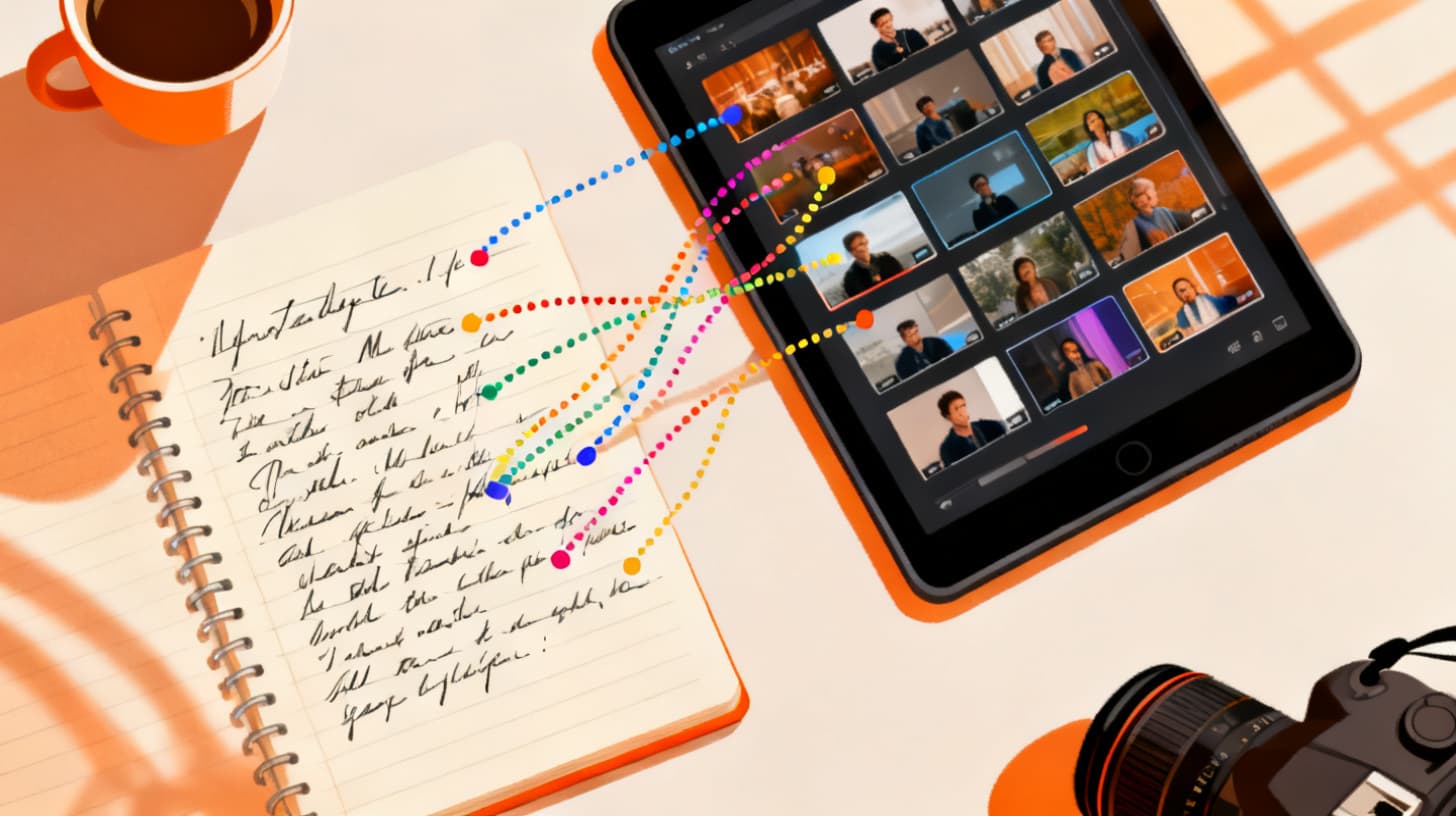
How to Write Scripts That AI Can Actually Match to Clips
You've shot hours of footage on your phone. You've written a script you're proud of. You paste it into an AI video editor, upload your clips, and hit "match." The results? A mess. Your sunset line gets matched to a close-up of your coffee. Your voiceover about hiking gets paired with a blurry pan of a parking lot.
The problem isn't the AI. It's the script.
Most creators write scripts the way they'd write a blog post or a social media caption. They write for a reader, not for a visual matching engine. And that disconnect is the single biggest reason AI clip matching falls flat. The good news? Writing scripts that AI can reliably match to the right clips isn't complicated. It just requires a shift in how you think about your words.
If you've been curious about turning raw footage into polished short-form videos, ClipMatch is built exactly for this workflow. You write your script, upload your clips, and AI handles the matching. But even the smartest matching engine needs clear signals from your script to do its best work. Let's break down how to give it exactly that.
Think in Scenes, Not Sentences
Here's the fundamental mindset shift: every line of your script is a visual instruction. When AI reads "I couldn't believe how beautiful it was," it has almost nothing to work with. Beautiful how? A mountain? A plate of food? A person's smile? The AI is scanning your uploaded clips for visual and semantic overlap with your words. Vague, abstract language gives it hundreds of possible matches and no way to rank them confidently.
Compare that to "the sun dropped behind the ridge and turned the whole sky pink." Now the AI knows it's looking for a sunset, a mountain ridge, warm colors, an outdoor landscape. It can scan your clip thumbnails and frame samples and find something that genuinely fits.
Write Each Line as a Mini Shot Description
The best scripts for AI matching read almost like shot lists. You don't need to be robotic about it. You're still telling a story, still writing something that sounds natural as a voiceover. But each line should contain at least one concrete visual anchor.
Here's a practical exercise. Take any script line you've written and ask yourself: "If I handed this sentence to a stranger and asked them to pick one clip from a folder of 50 random videos, could they do it?" If the answer is no, the line is too abstract.
Let's look at a real example. Say you're making a travel video about a weekend trip to the coast.
Weak script (hard for AI to match):
It was one of those trips that changes you
Everything just felt right
We had the best time
I didn't want it to end
Strong script (easy for AI to match):
We loaded up the car with bags and surfboards before sunrise
The coastal highway wound through fog and cliffs for two hours
We found a quiet stretch of beach with nobody else around
The bonfire crackled while waves crashed in the dark behind us
The second version tells the same emotional story, but every line contains specific, filmable imagery. The AI can look for a car being packed, a winding road, an empty beach, a bonfire at night. These are visual targets it can actually hit.
Use One Visual Per Line
Another common mistake is cramming multiple scenes into a single script line. "We explored the market, grabbed tacos from a street vendor, and watched the sun go down from the rooftop" describes three completely different clips. The AI has to pick one, and it'll often pick the wrong one, or it'll pick a clip that sort of matches one element but misses the others entirely.
Break compound lines apart. One visual per line. One clip per match. This gives the matching engine a clear, singular target for each segment of your video. It also makes your final edit cleaner because each cut corresponds to one idea, one image, one moment.
The script-to-video workflow in ClipMatch is designed around this line-by-line structure. You write your script in the built-in editor, and each line becomes a matchable segment. The cleaner your lines, the better your matches.
Structure Your Script Around Your Actual Footage
This is the piece most creators skip entirely, and it might be the most important. Your script and your footage need to be in conversation with each other. Writing a gorgeous script is pointless if you don't have clips that correspond to what you've written.
Before you write a single word, review your footage. Scrub through your clips. Make a quick mental (or written) inventory of what you actually captured. Did you get establishing shots? Close-ups? Action sequences? Transitions? Quiet moments?
Then write your script to match what exists, not what you wish you'd filmed.
Audit Your Clips Before Writing
Let's say you're putting together a food video from a restaurant visit. You pull up your camera roll and find you have:
A wide shot of the restaurant exterior
Three clips of dishes being placed on the table
A close-up of you taking a bite
A clip of the chef working behind the counter
A short clip of the busy dining room
A shot of the dessert with a candle
Now you know what your script can reference. You have six distinct visual moments, so you can write six script lines that map neatly to each one. You wouldn't write a line about "walking through the neighborhood to find this hidden gem" if you never filmed that walk. The AI would have nothing to match it to, and you'd end up with a low-confidence match or a completely wrong clip.
Match Your Language to Your Footage's Visual Vocabulary
Here's a subtlety that separates good AI-matched videos from great ones. The words you use should mirror the visual content of your clips as closely as possible.
If your clip shows a close-up of steam rising from a bowl of ramen, don't write "we grabbed some noodles." Write "the steam curled up from the first bowl of ramen." The more your language mirrors what's actually visible in the frame, the higher the AI's confidence score will be when it makes the match.
This works because semantic matching engines analyze the content of your clips, often by sampling frames and interpreting what's visible in them. When your script line and your clip frame describe the same thing in the same terms, the match is almost guaranteed.
You can see this in action with ClipMatch's AI video editor, which uses semantic analysis to compare each script line against your uploaded footage and ranks potential matches by confidence. The tighter the alignment between your words and your visuals, the higher those confidence scores climb.
Don't Forget B-Roll Moments
Not every line in your script needs to describe a hero moment. Some of the most effective script lines are simple B-roll cues: atmospheric, texture-driven descriptions that pair with those secondary clips every creator collects without thinking about it.
Things like:
"Rain tapped against the window all morning"
"The espresso machine hissed and sputtered behind the counter"
"Streetlights flickered on one by one as the sky got dark"
These lines are gold for AI matching because they're specific, visual, and they typically match footage you already have. Most creators shoot these kinds of ambient clips instinctively. Writing lines that target them means you're using more of your footage and creating a richer, more layered video.
Avoid the Traps That Confuse AI Matching
Even when you understand the basics, there are specific writing patterns that consistently trip up AI clip matching. Knowing what to avoid is just as important as knowing what to do.
Abstract Emotions Without Visual Context
Lines like "I felt so grateful" or "it was a transformative experience" contain zero visual information. The AI can't match a feeling to a clip. If you want to express emotion, ground it in something visible. Instead of "I felt at peace," try "I sat on the dock and watched the water go still." The emotion is still there, but now it's wrapped in an image the AI can find.
Rhetorical Questions and Direct Address
"Have you ever wondered what it's like to..." is a common scripting pattern for social media, but it gives the AI nothing to work with. There's no scene, no object, no action. If you want to use a question as a hook, follow it immediately with a visual line, and make sure the visual line is its own separate segment.
Metaphors and Figurative Language
This one's tricky because metaphors make scripts more compelling. But the AI interprets language somewhat literally when matching. "This place was a diamond in the rough" might cause the AI to search for clips with shiny or rocky textures, completely missing the charming little café you were describing.
You don't have to eliminate figurative language entirely. Just make sure each script line also contains enough literal, visual information for the AI to anchor its match. "This tiny café tucked behind the flower shop was a total hidden gem" works better because "tiny café" and "flower shop" are concrete visual targets even if "hidden gem" is figurative.
Inconsistent Terminology
If your clip shows an ocean beach but your script says "we hit the lake," the AI will struggle. It sounds obvious, but this happens more often than you'd think, especially when creators write scripts from memory days after filming. Use the same words you'd use to literally describe what's in the frame. If it's a beach, say beach. If it's a bay, say bay. Precision matters.
Accessibility standards like the W3C's guidelines on captions emphasize the importance of accuracy between audio and visual content. The same principle applies here. Your script is the audio layer, and your clips are the visual layer. The closer they align in meaning and specificity, the better the final product.
Putting It All Together: A Script Writing Checklist
Let's condense everything into a practical workflow you can follow every time you sit down to write a script for AI-matched video editing.
Step 1: Review Your Footage First
Don't open a blank document and start writing. Open your camera roll or clip folder. Watch everything. Note the key moments, the B-roll textures, the establishing shots, and the close-ups. Build a mental map of what you have to work with.
Step 2: Write One Visual Anchor Per Line
For each line of your script, include at least one concrete, visible element. A place, an object, an action, a color, a time of day. Something the AI can see in a frame and match to your words.
Step 3: Keep Lines Short and Single-Focus
One scene per line. One visual per match. If a line describes two different moments, split it into two lines. Short, focused lines produce better matches and cleaner edits.
Step 4: Read It Back as a Shot List
Once your script is written, read through it line by line and ask: "Do I have a clip for this?" If the answer is no for any line, either rewrite the line to match footage you do have, or make a note to film that missing clip before you start matching.
Step 5: Check for Abstraction
Scan for lines that are purely emotional, rhetorical, or figurative without any visual grounding. Rewrite them to include at least one concrete image.
Here's that checklist in a format you can reference quickly:
Reviewed all footage before writing
Each line contains a specific visual element
No line describes more than one scene
Language matches what's actually visible in clips
Abstract emotions are grounded in visible moments
Metaphors include literal visual anchors
Script length matches number of available clips
Once you've got a script that passes these checks, the AI matching step becomes almost effortless. You'll see higher confidence scores, fewer mismatches, and a final video that feels like you hand-edited every cut.
For creators making content for platforms like TikTok, this script discipline pays off especially well. Short-form vertical video demands tight, punchy edits where every second counts. The TikTok video editor in ClipMatch pairs this script-to-clip matching with 9:16 crop formatting, so your AI-matched footage lands perfectly in the vertical frame.
If you want to go deeper into the mechanics of how clip matching works on the technical side, the guide on how to match your video clips to a script using AI walks through the full process from upload to export.
Writing better scripts isn't about becoming a better writer. It's about becoming a better communicator with the tool that's assembling your video. When you write with visual clarity, specificity, and an honest inventory of your footage, AI matching goes from frustrating to genuinely fun. You stop fighting the tool and start collaborating with it.
The fastest way to see the difference? Take a script you've already written, rewrite it using the principles above, and run it through ClipMatch. Compare the match quality. The improvement speaks for itself.