How to Write Scripts That AI Can Match to Your Footage
You've got hours of footage on a hard drive and a story you want to tell. The missing piece isn't more clips or a fancier camera. It's a script written in a way that lets AI do the heavy lifting of connecting your words to your visuals.
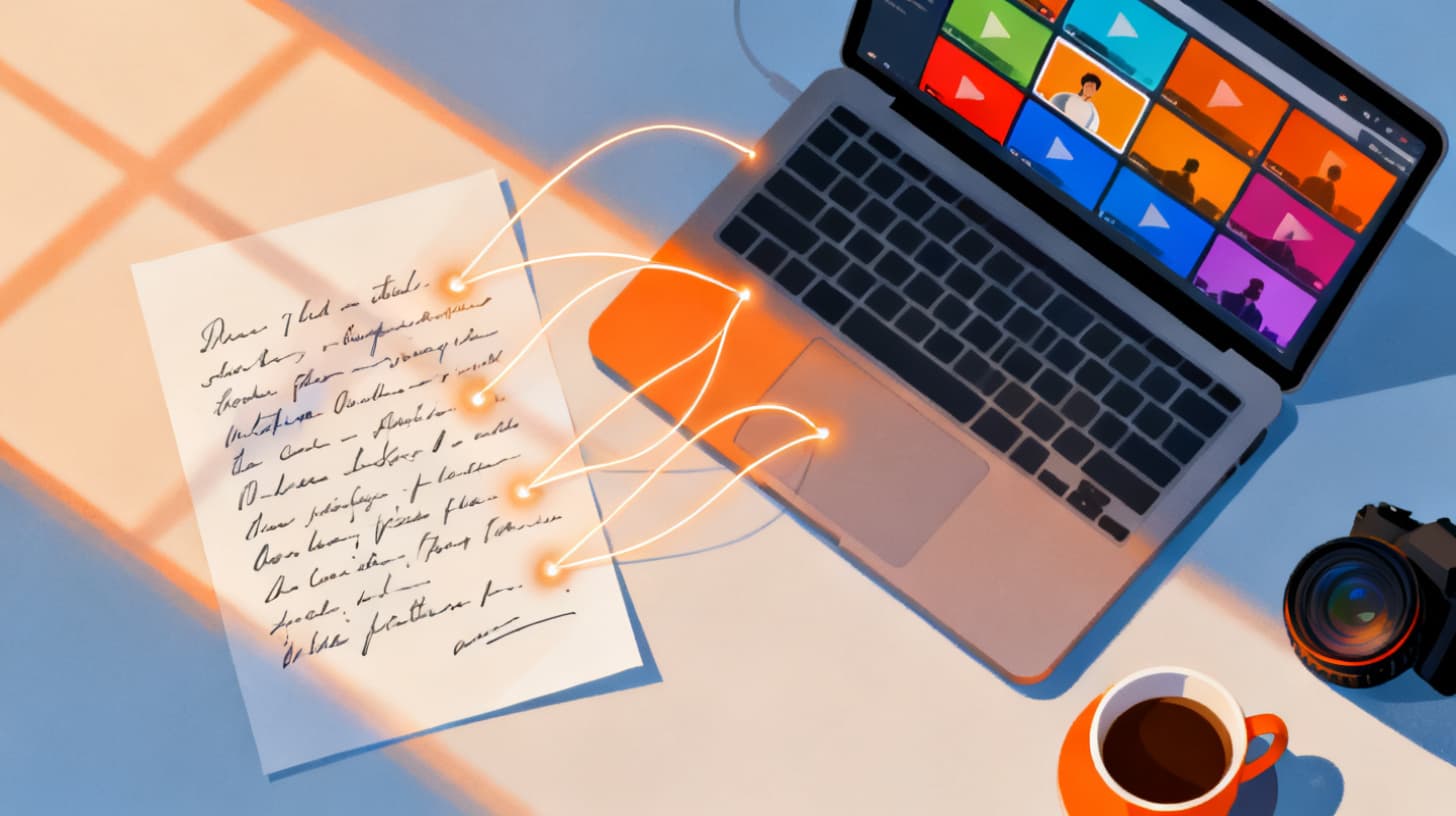
Script-driven video production flips the traditional editing process. Instead of scrubbing through endless timelines, dragging clips around, and hoping it all comes together, you write the narrative first. Then AI reads your script, analyzes your footage, and matches each line to the clip that fits best. It's fast, it's surprisingly accurate, and it frees you to focus on storytelling instead of file management.
But here's the thing most creators discover the hard way: the quality of the AI match depends almost entirely on the quality of the script. Vague, abstract lines give the AI nothing to grab onto. Specific, visual, well-structured lines give it everything it needs.
This guide breaks down exactly how to write scripts that make AI matching work brilliantly. Whether you're cutting travel vlogs, product videos, food content, or client work, you'll walk away with a repeatable framework for writing scripts that pair seamlessly with your footage. And if you want to try this workflow yourself, you can start free with Clipmatch and test it with your own clips and script right away.
Why Your Script Structure Is the Foundation of AI Matching
Most creators think of a script as something they read on camera or layer as voiceover. That's part of it. But when you're working with AI-powered clip matching, the script becomes something more. It's the instruction set that tells the system what to look for in your footage.
Think of it like giving directions to a friend who's never been to your neighborhood. "Turn left at the big tree" works. "Go that way for a bit" doesn't. AI matching operates on semantic understanding. It analyzes the visual content of your clips (objects, settings, motion, colors, composition) and compares that against the meaning of each script line. The clearer and more visual your language, the stronger the match.
Write One Visual Idea Per Line
The single most impactful change you can make is structuring your script so each line represents one distinct visual idea. When a line tries to cover two or three different visuals, the AI has to choose, and it often picks the wrong one or settles on a generic middle ground.
Here's a weak example:
We arrived at the coast, checked into the hotel, and went for a swim before sunset.
That's three separate visuals crammed into one line. Now compare it to this:
We pulled up to the rocky coastline just before noon.
The hotel lobby was all white marble and ocean views.
We hit the water while the sun was still high.
Each line gives the AI a single, specific image to match against. The first line maps to your arrival footage. The second maps to hotel interior shots. The third maps to swimming clips. Clean, obvious, easy to match.
This structure also makes your final video feel more dynamic. Short, punchy lines naturally create quicker cuts, which is exactly what performs well in short-form content.
Use Concrete Nouns and Sensory Details
Abstract language is the enemy of good matching. Words like "journey," "experience," "vibe," and "energy" mean different things to different people, and they mean almost nothing to an AI trying to identify what's in a video frame.
Instead, anchor every line in something the camera can actually see. Compare these two approaches:
Abstract: "The energy of the city was electric."
Concrete: "Neon signs flickered above crowded sidewalks at night."
The second version gives the AI specific visual anchors: neon signs, crowded sidewalks, nighttime. If you have a clip of a busy city street at night, the AI will find it. The first version could match to almost anything, or nothing at all.
This doesn't mean your writing has to be dry or purely descriptive. You can still be creative and poetic. Just make sure every line contains at least one concrete visual element the AI can latch onto. "The quiet magic of a forest at dawn" works better than "nature is healing" because "forest" and "dawn" are identifiable visual concepts.
Front-Load the Visual Keyword
When the AI processes your script lines, the words that appear early in the sentence tend to carry more weight in semantic analysis. Get the most important visual element near the front.
Instead of: "I couldn't believe how beautiful the waterfall looked from the trail."
Try: "The waterfall crashed down into a misty green pool below the trail."
The second version leads with the subject (waterfall) and immediately adds visual details (crashing, misty, green pool, trail). This gives the matching algorithm a strong signal from the very first word.
Organizing Your Script for Chronological and Semantic Matching
Once you've got clean, visual script lines, the next consideration is how you organize them. Different matching approaches work better for different types of content, and understanding the distinction will save you time and improve your results.
Semantic matching analyzes the meaning of each line and finds the best clip regardless of when it was filmed or where it sits in your upload order. Timeline-based matching, on the other hand, assigns clips in roughly chronological order, which works well when your footage was captured in the same sequence as your story.
Most creators benefit from semantic matching because real footage rarely follows a neat timeline. You might film your B-roll out of order, grab pickup shots days later, or mix footage from multiple locations. Semantic matching handles all of that gracefully because it's looking at what's in the clip, not when it was shot.
Group Lines by Scene or Location
Even with semantic matching, your script should have a logical flow. Group related lines together so the AI can match clips from similar settings in sequence, which makes the final video feel cohesive rather than jarring.
For a travel vlog, that might look like:
You don't need to include the bracketed labels in your final script (though they help during drafting). The point is that grouping by location or scene helps the AI deliver matches that flow naturally when assembled.
Writing for the Footage You Actually Have
This is where many creators stumble. They write an aspirational script without checking it against their actual footage library. Then the AI tries its best but returns low-confidence matches because the clip it needs simply doesn't exist.
Before you write, do a quick inventory of your footage. Ask yourself:
What locations did I film in?
What subjects appear (people, food, landscapes, products)?
What time of day was each clip captured?
Are there any gaps where I don't have footage?
Then write your script around what you actually shot. If you didn't capture a sunrise, don't write a line about golden morning light. If all your food footage is close-up plating shots, don't write a line about the full restaurant interior.
When you do have a gap, you have a few options. You can adjust the script line to match footage you do have. You can upload a photo as a placeholder (many editors support photo integration for B-roll moments). Or you can note the gap and plan a quick pickup shoot to fill it.
For deeper techniques on writing scripts that are specifically optimized for AI editing workflows, check out this guide on how to write scripts for AI video editing.
Use Consistent Terminology
If you refer to the same subject with different words throughout your script ("the beach," "the shore," "the coast," "the waterfront"), the AI might match each line to a slightly different clip when you actually want them all paired with footage from the same location.
Pick one primary term for each recurring subject and stick with it. You can vary your language in voiceover delivery, but the written script line should be consistent for matching purposes. If you filmed at a specific beach, use "the beach" every time that location appears in the script.
Practical Script Templates for Common Video Types
Let's move from principles to practice. Below are script structures for the most common types of creator content. Each template shows how to apply the techniques above to a real format.
Travel and Vlog Content
Travel videos thrive on strong visual variety and a clear narrative arc. Your script should follow a simple structure: arrival, exploration, highlight moments, reflection.
Notice how each line is self-contained, leads with a visual subject, and uses concrete details. An AI analyzing your trip footage would have clear targets for every single line.
Product Reviews and Unboxing
Product content tends to be more structured and repetitive in its shot types. Your script should match that predictability.
Product scripts benefit from being extremely specific about physical details. Colors, textures, button placement, and screen content all help the AI distinguish between visually similar clips.
Recipe and Food Content
Food videos follow a natural process flow: ingredients, preparation, cooking, and the final dish. Write your script to mirror that progression.
Food scripts work best when they follow the visual sequence of cooking. The AI can distinguish between raw ingredients, mid-cook shots, and plated results when your language is specific about the state of the food.
Refining Matches and Building Your Workflow
Writing a strong script gets you 80% of the way there. The remaining 20% comes from reviewing and refining the AI's matches, then building a repeatable workflow you can use for every project.
Once you run your script through an AI matching system, you'll get a set of proposed clip pairings, typically with confidence scores that tell you how certain the AI is about each match. High-confidence matches (above 80%) usually need no adjustment. Medium-confidence matches (50-80%) are worth reviewing. Low-confidence matches (below 50%) almost always need manual intervention.
Review and Swap Strategically
Most AI matching tools rank multiple clip options for each script line. If the top match doesn't feel right, check the second and third options before rewriting your script line. Often the right clip is already in the ranked list, just not in the top position.
When a match misses entirely, ask yourself why. Did the script line contain abstract language? Was the visual too similar to another clip in your project? Is the footage actually missing from your uploads? Diagnosing the mismatch helps you write better scripts over time.
You can also exclude specific clips from matching consideration. If you have a clip that keeps getting matched incorrectly (maybe a blurry shot or a test recording), excluding it forces the AI to choose from better options.
Adjust Timing with Frame Selection
Matching a clip to a script line is step one. Step two is making sure the right moment within that clip is selected. A 30-second clip might have the perfect frame at the 12-second mark. Look for tools that let you adjust the start offset and select specific frames so your final video shows exactly the right moment for each line.
This level of control, combined with a well-written script, gives you results that feel hand-edited even though the heavy lifting was automated.
Build a Script-First Habit
The biggest shift in going from traditional editing to script-driven production is changing when you write. Instead of filming first and figuring out the story in post, write your script before you shoot (or immediately after, while the footage is fresh in your mind).
This script-first approach does three things. It makes your shoots more intentional because you know exactly what footage you need. It makes the AI matching faster because your script already aligns with your clips. And it makes your final videos tighter because every line has a purpose.
Over time, you'll develop a sense for which phrases match well and which ones cause problems. That instinct turns script writing from a creative exercise into a production skill that speeds up every project.
Writing scripts for AI-powered clip matching isn't about dumbing down your creativity. It's about channeling it through a format that technology can understand. Concrete language, one visual per line, consistent terminology, and a logical scene structure. Those four principles will transform your matching results from "close enough" to "exactly right."
If you're ready to test this workflow with your own footage, start free with Clipmatch and see how your script lines pair with your clips. Upload your footage, paste in your script, and let the AI show you what a script-driven edit looks like. You might be surprised how little manual editing you need to do.