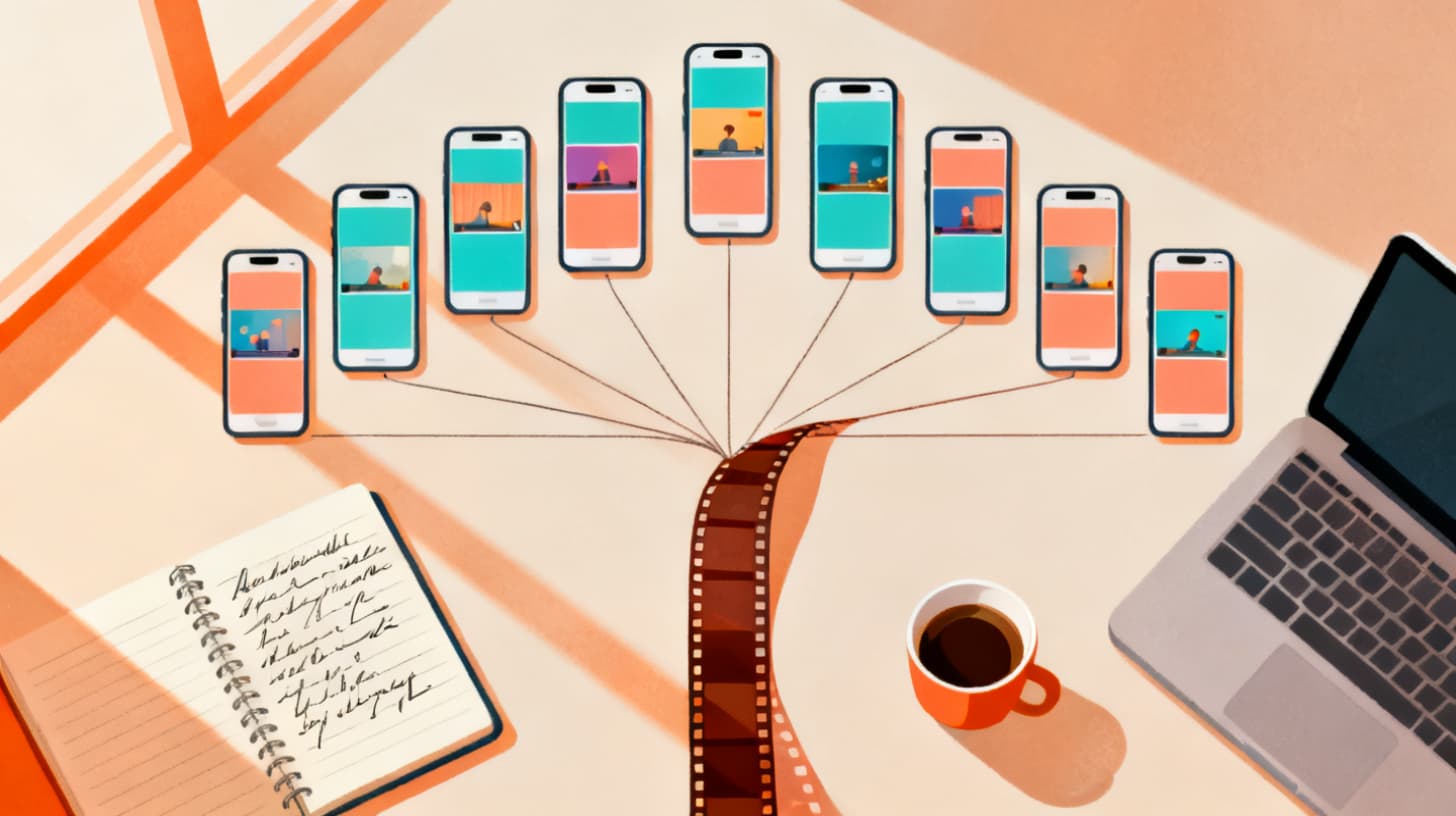
Turn One Long Video Into 10+ Short-Form Clips Fast
You filmed a 20-minute interview, a 45-minute workshop, or an hour-long travel vlog. Now it sits on a hard drive doing absolutely nothing. Meanwhile, the creators who are growing fastest on social media are posting multiple short clips every single week, and they're not filming more. They're just smarter about breaking down what they already have.
The secret? They start with a script, not a timeline.
Most people approach repurposing backwards. They scrub through raw footage hunting for "good parts," clip them out one by one, and hope each piece stands alone. That's painfully slow and produces inconsistent results. A script-first workflow flips the process: you decide what each short clip needs to say before you match footage to it. The result is a batch of clips that each tell a complete micro-story, and you can produce ten or more from a single source video in a fraction of the time.
According to Wyzowl's annual video marketing survey, 91% of businesses now use video as a marketing tool, and short-form content consistently delivers the highest ROI of any video format. Volume isn't optional anymore. It's the baseline. The good news is that a script-first approach, combined with AI-powered matching tools like ClipMatch, makes high-volume production realistic even if you're a solo creator or a small team.
Let's walk through the entire workflow step by step.
Why a Script-First Approach Beats Traditional Clip Hunting
Before diving into the how-to, it's worth understanding why starting with a script changes everything about your repurposing output.
When you open a long video in a traditional editor and start scrubbing, you're making dozens of micro-decisions simultaneously. You're watching footage, evaluating whether a moment is interesting, guessing how long a clip should be, wondering whether it needs context, and trying to remember what you've already pulled. This is cognitively exhausting and notoriously inefficient. Most creators report spending two to four hours extracting just three or four clips from a single long video using this method.
A script-first workflow separates the thinking from the assembling. You watch your source material once, take rough notes, and then write short scripts (five to fifteen lines each) for every standalone clip you want to create. Each script becomes a self-contained narrative arc with a hook, a body, and a payoff. Only after you've written all your scripts do you go back to match footage to each line.
This separation has three major benefits:
Quantity jumps immediately. When you brainstorm scripts from a single source video, you'll find angles you never would have noticed while scrubbing. A 30-minute interview might yield scripts about the guest's backstory, a controversial opinion they shared, a tactical tip, a personal anecdote, and a rapid-fire Q&A highlight. That's five scripts minimum, and each one can become a polished short.
Quality improves because every clip has structure. Random highlight clips often lack a clear beginning or ending. A scripted clip always has both, because you wrote them deliberately. Viewers watch longer, engage more, and actually remember what you said.
Speed compounds over time. Once you've done this a few times, the scripting phase takes 20 to 30 minutes for an entire batch. The matching phase, especially when you use AI tools, takes even less. Compare that to hours of manual scrubbing per clip.
The script-first method also solves a problem that plagues repurposed content: context collapse. When you yank a 45-second chunk out of a longer conversation, the viewer often has no idea what's being discussed or why they should care. A script lets you add a one-line setup at the top ("Here's the biggest mistake new freelancers make") that reframes the footage for a cold audience who never saw the original.
This is the foundational mindset shift. You're not an editor hunting for clips. You're a writer planning micro-content, and the footage is your illustration library.
The Four-Phase Script-First Repurposing Workflow
Here's the complete process from raw long-form video to a batch of finished short-form clips. Each phase is designed to be done in sequence, and the total time for ten clips should land between 60 and 90 minutes once you're comfortable with the rhythm.
Phase 1: Watch Once and Mine for Angles
Sit down with your long video and a blank document. Watch at 1.5x speed if you need to save time, but don't skip anything. Your goal is not to find clips. Your goal is to find angles, meaning distinct ideas, stories, tips, opinions, or emotional moments that could each support a standalone short.
As you watch, jot down timestamps alongside one-sentence descriptions:
03:22 — Talks about why she quit her corporate job (emotional, personal)
12:40 — Disagrees with common industry advice (controversial, hook-worthy)
18:05 — Beautiful drone shot of the coastline (visual, no dialogue needed)
24:30 — Funny blooper with the dog (personality, humanizing)
For a 30-minute video, you should find 8 to 15 angles easily. Not all of them will become clips, but you want to start with an abundance of options.
Pay special attention to moments that have natural "hook energy." If someone says something surprising, counterintuitive, or emotionally charged, flag it. These make the best opening lines for your scripts.
Phase 2: Write Micro-Scripts in Batches
Now close the video player. Open your script editor (ClipMatch has a built-in script editor designed specifically for this) and start writing. Each micro-script should be 5 to 15 lines, where each line represents roughly one shot or one sentence of narration.
Here's a concrete example. Let's say one of your angles from Phase 1 was "three-step morning routine." Your micro-script might look like this:
Six lines. Each one maps to a specific visual. When you match footage later, line one might get a wide shot of someone waking up, line two gets a clip of stretching or walking, line three gets a close-up of writing in a notebook, and so on.
Write all your scripts in one sitting if possible. Batch-writing keeps you in a creative flow state and ensures a consistent voice across all your clips. For ten clips, expect to spend 20 to 40 minutes writing.
A few scripting tips that make a big difference:
Open with a hook, not a greeting. "Most people get this wrong" beats "Hey everyone, welcome back" every time.
Keep lines short and speakable. If you're recording voiceover (or if the script matches dialogue from your footage), each line should feel natural when spoken aloud.
End with a payoff. A takeaway, a call to action, a punchline, or an emotional beat. Never let a clip just... stop.
Vary the formats. Mix listicles, hot takes, personal stories, tutorials, and pure visual showcases. This gives your audience variety and lets you test what resonates.
Phase 3: Match Footage to Each Script Line
This is where traditional workflows get painful and where AI tools save enormous time. You have ten scripts. Each has 5 to 15 lines. That means you need to find and assign 50 to 150 specific clips from your source footage. Doing this manually is the bottleneck that kills most repurposing ambitions.
With a tool like ClipMatch, you upload your source footage (or break it into individual clips first), paste in your script, and let the AI analyze your clips and match each script line to the best-fitting footage. The system uses semantic matching, meaning it evaluates the visual content of each clip against the meaning of each script line and assigns confidence scores.
You can review the AI's matches, swap in alternatives from ranked suggestions, adjust start points within a clip, and fine-tune the selection. But the heavy lifting of scrubbing through hours of footage is handled for you. For creators working with travel vlogs or event footage where you have dozens or hundreds of raw clips, this matching step is where the script-first workflow truly pays off.
If you've already gone through the process of matching clips to scripts with AI before, our deeper guide on how to match video clips to a script using AI covers the nuances of reviewing confidence scores and choosing between ranked alternatives.
Phase 4: Polish, Export, and Distribute
With footage matched to every script line, you're in the home stretch. This phase is about making each clip platform-ready.
First, choose your aspect ratio. Vertical 9:16 works for TikTok, Instagram Reels, and YouTube Shorts. Square 4:5 performs well in Instagram feeds. ClipMatch's vertical video editor lets you set the crop ratio per project so your horizontal source footage gets properly framed for each platform.
Next, add voiceover if needed. If your script is narrated (rather than using dialogue from the original footage), record it directly or upload a pre-recorded file. ClipMatch supports both in-browser recording and upload, plus per-segment re-recording if you flub a single line.
Then, style your captions. Captions aren't optional for short-form content. Most viewers watch without sound initially, and captions significantly boost watch time. Choose a font, color, animation style, and position that match your brand. Once you've dialed in your style on the first clip, save it and apply it across the entire batch.
Finally, export each clip. With ten scripts already matched and styled, you can queue up exports and let them process while you move on to distribution. Each export compiles the matched footage, voiceover, and captions into a finished vertical video.
For distribution, stagger your posts. Don't dump all ten clips on the same day. Space them across one to two weeks per platform. This stretches the life of your source content and lets you observe which formats and angles perform best before you create the next batch.
Practical Examples That Show the Scale
Let's ground this workflow in three real-world scenarios so you can see how one piece of long-form content can reliably produce ten or more shorts.
Scenario: A 40-minute podcast interview. You interviewed a nutritionist about gut health. From one conversation, you pull these angles: the myth of detox diets (hot take), three signs your gut is unhealthy (listicle), what she eats in a day (lifestyle), the one supplement she actually recommends (tactical tip), her personal health scare story (narrative), a viewer question about bloating (Q&A), the funniest thing a client ever asked (personality), her disagreement with another popular doctor (controversy), a 30-second "summarize your philosophy" soundbite (punchy), and a teaser for the full episode (promotional). That's ten scripts from one conversation, and each one serves a different content purpose.
Scenario: A 25-minute travel vlog from a weekend trip. You filmed beaches, restaurants, street markets, and a sunset hike. Your scripts might include: a "what $50 gets you" food tour (budget angle), a 60-second "cinematic" montage set to music (visual), the one spot tourists miss (insider tip), a packing list based on what you actually used (practical), getting lost and finding something unexpected (storytelling), a side-by-side comparison of two restaurants (debate format), a timelapse of the sunset hike (ambient content), three phrases in the local language (educational), a hotel room tour (review), and a blooper reel (entertainment). Twelve scripts from one trip.
Scenario: A 15-minute product demo or tutorial. Even shorter source material works. Script angles could include: one feature most people don't know about (discovery), the fastest way to do X (speed tip), a before-and-after transformation (visual proof), three common mistakes when using the product (cautionary), a comparison with a competitor approach (positioning), a viewer request walkthrough (community engagement), and a "you don't need this if..." honest take (trust building). Seven scripts, and each one can be fully assembled from the same demo footage.
Notice the pattern. The variety doesn't come from filming more. It comes from thinking in different formats and angles during the scripting phase. The footage is the same. The framing is what changes.
Building a Repeatable Repurposing Habit
The biggest risk with any repurposing workflow isn't the process itself. It's doing it once, feeling great about it, and then never doing it again. Consistency is what separates creators who grow from creators who plateau.
Here's how to make this sustainable:
Set a repurposing day. Pick one day per week (or per content cycle) where you sit down and batch-process your latest long-form piece. Protect that time. The entire workflow from watching through exporting should fit into 60 to 90 minutes once you've practiced it a few times.
Create a script template library. After a few batches, you'll notice patterns in the types of scripts you write. Build templates: "Hot Take" (hook + opinion + evidence + reframe), "Listicle" (hook + item 1 + item 2 + item 3 + CTA), "Story" (setup + tension + resolution + lesson). Templates speed up the writing phase dramatically.
Track what works per platform. Not every script format performs equally everywhere. Quick listicles might dominate on TikTok while personal stories drive saves on Instagram. Use your analytics to feed back into your scripting priorities. Over time, you'll know exactly which angle types to prioritize for each platform.
Don't aim for perfection in every clip. When you're producing ten clips per source video, some will outperform others. That's expected and healthy. The goal is volume with a quality floor, not perfection on every piece. Your top three performers will more than justify the batch.
Reuse footage across scripts when it makes sense. A beautiful B-roll shot of a city skyline can appear in a travel tip clip, a packing list clip, and a cinematic montage. Different context, same footage, zero additional filming.
The compounding effect is real. If you produce one long-form piece per week and extract ten shorts from each, you're publishing 40+ short-form clips per month across platforms. That kind of volume, with consistent quality, builds an audience faster than almost any other content strategy.
Ready to try this with your own footage? ClipMatch lets you upload your clips, write your scripts, and use AI-powered matching to assemble short-form videos with voiceover and captions. Your first three exports are free with no credit card required, so you can test the full script-first workflow on your own content and see the results before committing to anything.